Start by setting up your profile to update your personal details and customize Kitsu’s interface. This will help your team recognize you and allow you to tailor notifications and settings to fit your workflow.
- Access Your Profile:
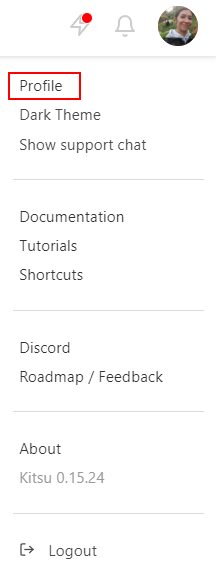
Click your avatar at the top right of the screen, then select Profile. - Customize Your Experience:
- Update your name, email, phone number, timezone, and website language.
- Upload an avatar photo to help others recognize you.
- Choose notification preferences (email or Slack).
- Customize the Theme color and toggle the Support Chat visibility.
Pro Tip
This section also provides quick links to Documentation, Tutorials, our Discord community, YouTube channel, and our public Roadmap, ensuring you have access to helpful resources at any time.
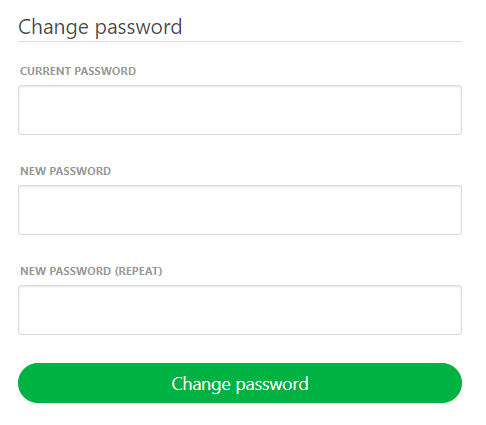
For security purposes, it’s highly recommended to replace the default password with a strong and unique one.